My Blogs
Top 5 Free Tools Every Beginner Digital Marketer Should Try
Author
JFE Digital Marketing
Post Date
October 16, 2025
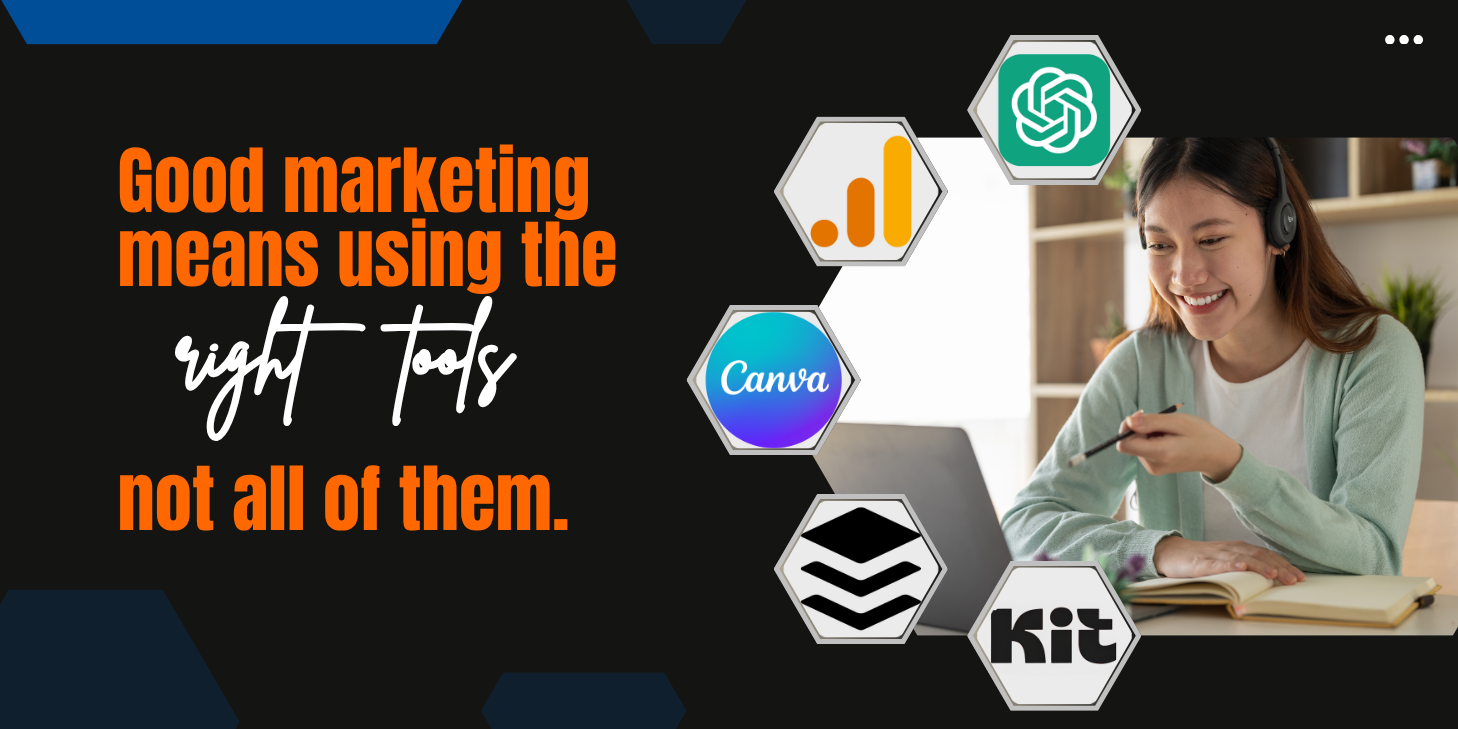


“Good marketing isn’t about using every tool—it’s about using the right ones well.”
- -Ann Handley (Author of Everybody Writes)
Starting your digital marketing journey can be exciting—but also a little intimidating. With so many tools and platforms available, it’s hard to know where to begin. The good news is, you don’t need a big budget or years of experience to get started.
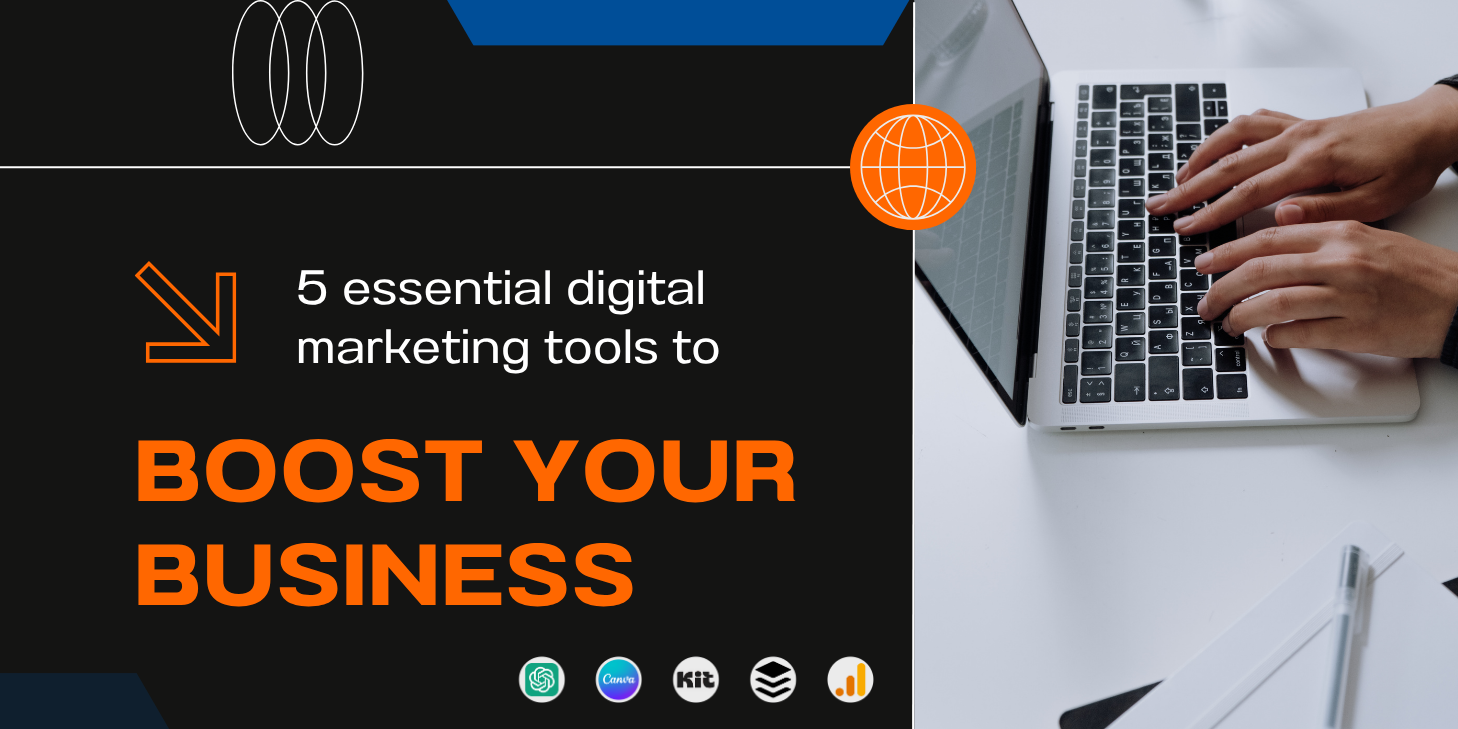
Many powerful, beginner-friendly tools are free and can help you design graphics, analyze data, plan content, and connect with your audience. In this blog, you’ll discover the top 5 free tools that can make your first steps in digital marketing smoother and more effective.
1. Canva – Design Made Simple
What it does
Canva is one of the most popular design tools used by marketers, content creators, and small businesses. It helps you create professional-looking visuals for your social media posts, blog graphics, infographics, posters, presentations, and more—all without needing any design background.
Why it’s great for beginners
Offers thousands of free templates.
Drag-and-drop interface (no complex software needed).
Built-in font, color, and image libraries.
Free plan gives access to most features you’ll need.
Best use
Design eye-catching visuals for:
Instagram and Facebook posts
Blog banners and thumbnails
Pinterest pins
Presentations and eBooks
Use Canva’s “Brand Kit” feature to save your brand colors and fonts—it’ll help you maintain a consistent look across all your marketing materials.
2. Google Analytics – Understand Your Audience
What it does
Google Analytics is a free tool that tracks and reports your website’s traffic. It helps you understand how visitors find your site, what pages they visit, how long they stay, and where they come from.
Why it’s great for beginners
It’s free and easy to set up.
Shows clear data about audience behavior and interests.
Helps you identify what’s working and what needs improvement.
Teaches you how to use data to guide marketing decisions.
Best use
Tracking how many people read your blog posts.
Finding out which social platforms bring in the most traffic.
Understanding what type of content your audience enjoys.
Pair Google Analytics with Google Search Console to see which keywords people use to find your site.
3. Kit – Smart Email Management Made Easy
What it does
Kit is a user-friendly email marketing and automation tool designed for beginners and small business owners. It helps you manage your email lists, send newsletters, and create automated email sequences to stay connected with your audience—all without feeling overwhelmed by complicated dashboards.
Why it’s great for beginners
Clean, simple interface with intuitive navigation.
Helps organize contacts and segment your audience.
Offers ready-made email templates for quick setup.
Allows automation for welcome messages or follow-ups.
Ideal for creators, freelancers, and startups who need a straightforward email system.
Best use
Sending regular newsletters to subscribers.
Welcoming new followers or customers automatically.
Managing contact lists efficiently as your audience grows.
Keep your emails short, friendly, and valuable. Kit’s analytics can show you which messages perform best—use that insight to refine your approach!
4. Buffer (or Hootsuite) – Schedule & Manage Social Media Easily
What it does
Both Buffer and Hootsuite allow you to schedule and publish posts across different social media platforms in one place. You can plan your content for the week or month, saving hours of daily posting.
Why it’s great for beginners
Free versions allow posting on multiple platforms.
User-friendly dashboards.
Basic analytics show which posts perform best.
Keeps your posting consistent (a key to growth!).
Best use
Plan weekly social media content.
Preview your feed layout (especially for Instagram).
Track engagement and see which type of content resonates most.
Choose Buffer for simplicity or Hootsuite if you want extra insights and team collaboration options later on.
5. ChatGPT – Your AI Assistant for Ideas & Copywriting
What it does
ChatGPT is an AI-powered writing and brainstorming assistant that helps you create marketing content faster. Whether you need help writing captions, emails, blog outlines, or even brainstorming campaign ideas—ChatGPT is your digital sidekick.
Why it’s great for beginners
Generates ideas in seconds.
Helps you overcome writer’s block.
Can improve your grammar and tone.
Saves time so you can focus on strategy.
Best use
Writing Instagram or Facebook captions.
Creating email subject lines and ad copy.
Generating blog post ideas or outlines.
Learning marketing concepts through interactive Q&A.
Always add your personal touch to AI-generated content. Think of ChatGPT as your co-writer, not a replacement.
Choose Buffer for simplicity or Hootsuite if you want extra insights and team collaboration options later on.
Every great digital marketer starts somewhere—and often, they start with free tools. The tools we covered—Canva, Google Analytics, Kit, Buffer (or Hootsuite), and ChatGPT—give you everything you need to design, publish, measure, and grow your online presence.
You don’t have to master everything at once. Start small, explore one tool at a time, and see what works best for you. Over time, you’ll build confidence, creativity, and the digital skills to make your mark online.
Remember: The best digital marketers aren’t the ones who use the most expensive tools—they’re the ones who know how to use free ones effectively.